 AI Drafter - (New and Powerful)
 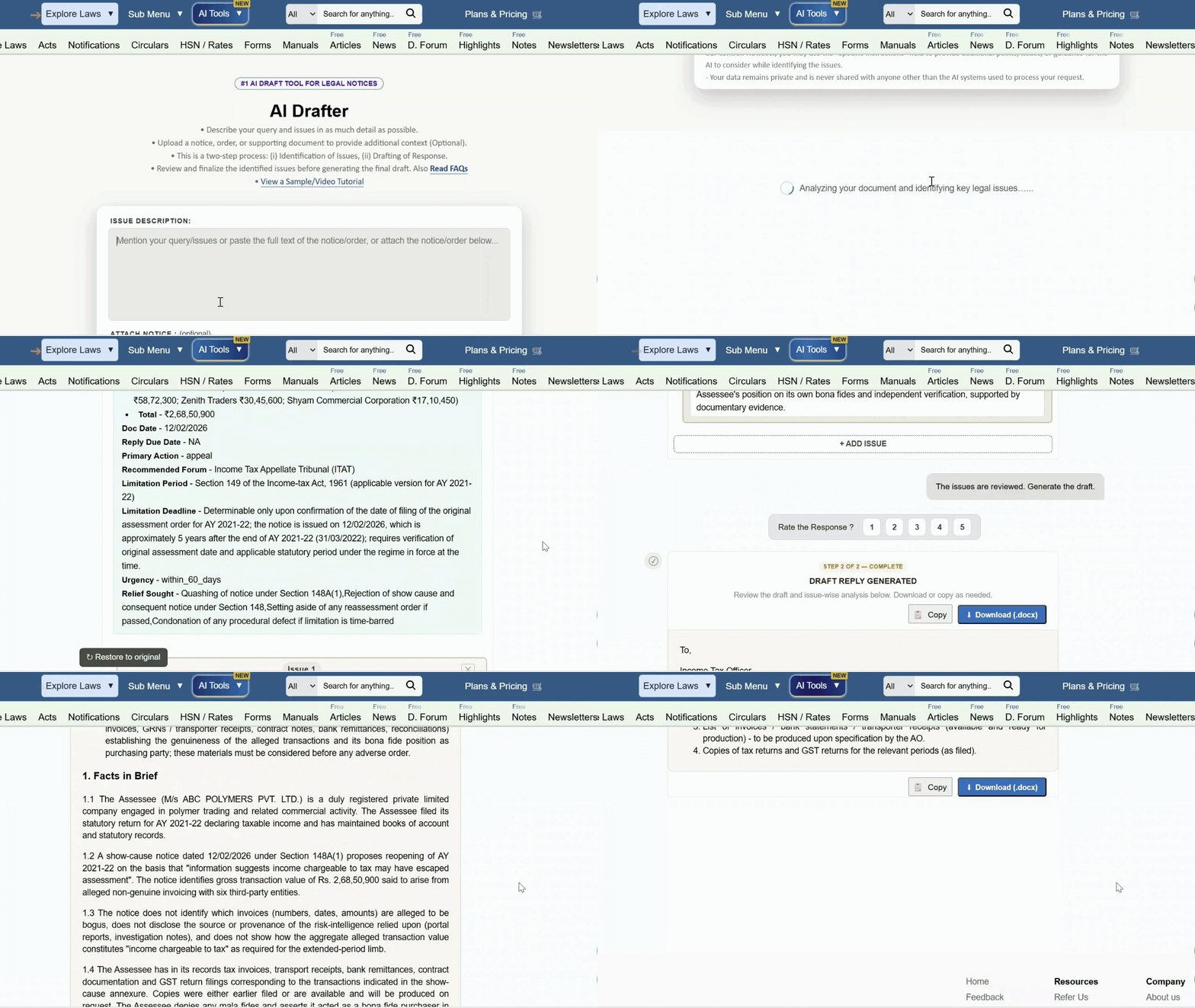 Generate professional replies, appeals, opinions to Show Cause Notices, assessment orders, audit objections, and other legal communications using TaxTMI's AI Drafter.
  TaxTMI
  TaxTMI


The 12A registration is essential for NGOs, trusts, and societies in India to claim tax exemption under the Income Tax Act.
However, an easy task during the online 12A registration process while filing, people make mistakes in the same. This article will guide you to conduct it correctly.
Common Errors that arise are:
- Incorrect details of trustees or directors
- Errors in PAN or Aadhaar details
- Wrong uploading of supporting documents
- Mismatched names in documents
- Using outdated or expired certificates
- Filing under the wrong form or section
How to correct them?
1. Incorrect details of trustees or directors
If you enter the wrong names, addresses, or PAN numbers for trustees or directors, your application can be delayed or rejected. Always double-check that all information about your trustees or directors matches their official documents.
2. Errors in PAN or Aadhaar details
If you type the wrong PAN or Aadhaar number, or if the details don’t match with what’s in the official records, your application will not go through. Make sure you enter these numbers correctly and that the names match exactly as on the cards.
3. Wrong uploading of supporting documents
Sometimes people upload the wrong files, incomplete documents, or unclear scanned copies. This can cause your application to be rejected. Before uploading, check that you have attached the correct, clear, and complete documents as required.
4. Mismatched names in documents
If your organization’s name or a trustee’s name is spelt differently in different documents, it can cause confusion and rejection. All names should be the same everywhere on PAN, registration certificates, and other documents.
5. Using outdated or expired certificates
If you use old or expired registration certificates or documents that are not signed properly, your application can be rejected. Always use the latest and properly signed certificates.
6. Filing under the wrong form or section
If you choose the wrong form or section while applying (for example, selecting the wrong type of organization or section of the law), your application may not be accepted. Make sure you know which form and section apply to your organization before you start filling out the application
7. Reapply if the Application is Rejected
If your application is rejected due to errors or discrepancies, you are allowed to reapply after correcting the mistakes or providing additional documents.
Ensure all issues are addressed before resubmission to improve the chances of approval.
8. Rectification of Clerical Errors in Tax Returns
If a clerical error in the Income Tax Return (ITR) leads to the denial of 12A benefits (for example, not ticking the correct exemption box), you may file a rectification application.
If your application is rejected, you can appeal. Tribunals understand that small mistakes in the process shouldn’t stop you from getting benefits if your claim is otherwise valid and genuine.
Reminders to Avoid Errors in the Future
- Double-check all entries before submitting the form
- Use updated and valid documents
- Match all personal and entity details across documents
Conclusion
Mistakes in the online 12A registration process may seem stressful, but they are correctable with timely action. The Income Tax Department allows applicants to respond to notices and rectify errors, giving your NGO another chance to enjoy the tax exemption benefits.